Roam the grounds
Move through a retro, tile-based campus, discover events, find characters, and choose where to go next.
The Vizancia Campus turns learning into a place you can explore. Move your avatar around the grounds, enter buildings, meet the campus crew, and choose what to learn or practise next.
The gallery below shows earlier iOS 3.5 screens. See what changed in 4.2 and current platform availability.
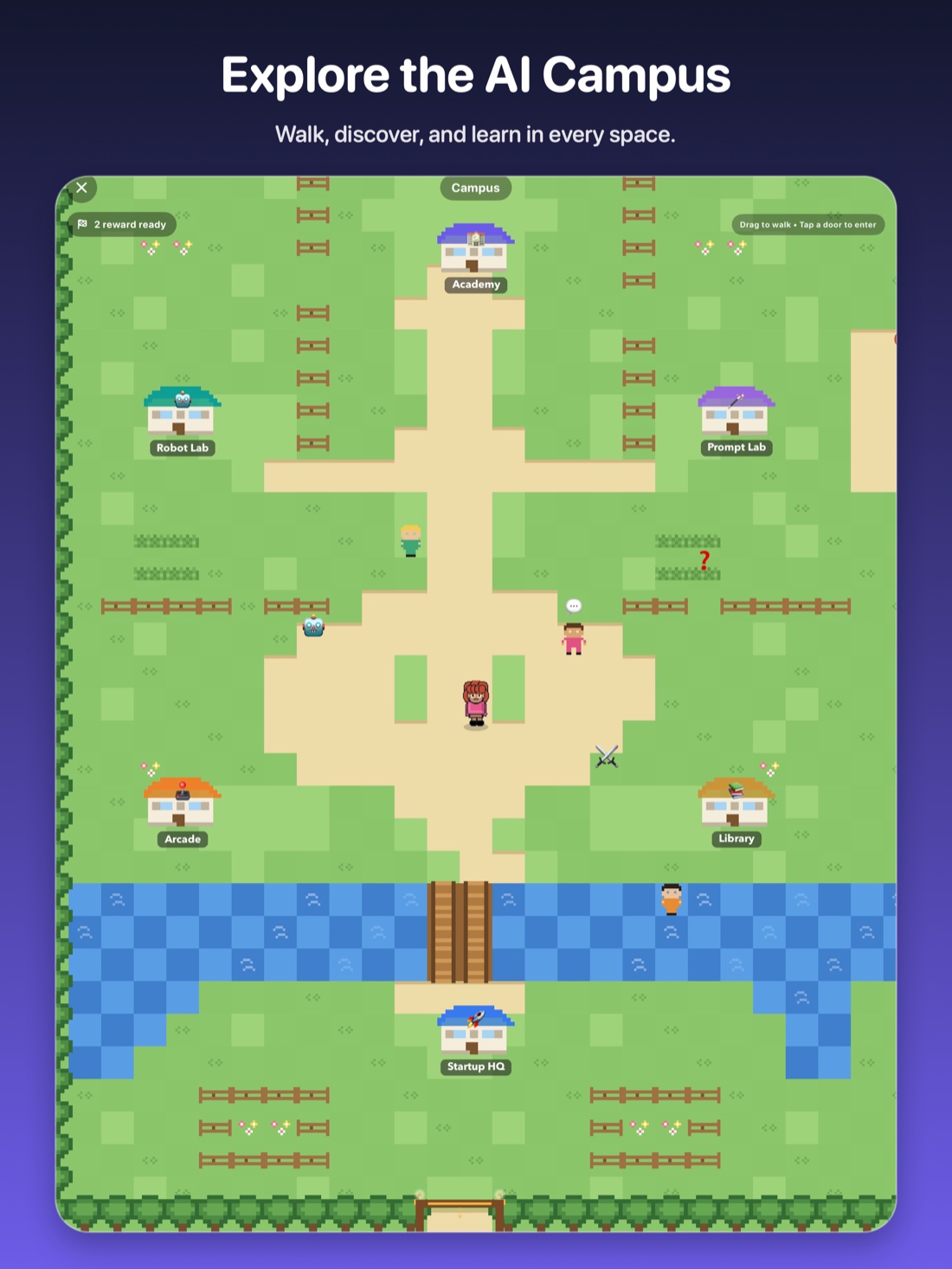
The Campus experience
The Campus gives Vizancia's lessons and practice activities a shared home, so the next step feels discoverable instead of buried in a menu.
Move through a retro, tile-based campus, discover events, find characters, and choose where to go next.
Enter the Academy, Robot Lab, Prompt Lab, Arcade, Library, Pixel Café, and Startup HQ.
Follow lessons, build prompts, train a model, make responsible product choices, and practise through play.
Choose the next stop
Buildings are more than decoration. Each one opens a focused learning experience, while missions and discoveries give learners a reason to explore.
Inside the app
These are real screens from the Vizancia 3.5 build. Scroll across to look through the Campus and its learning spaces.
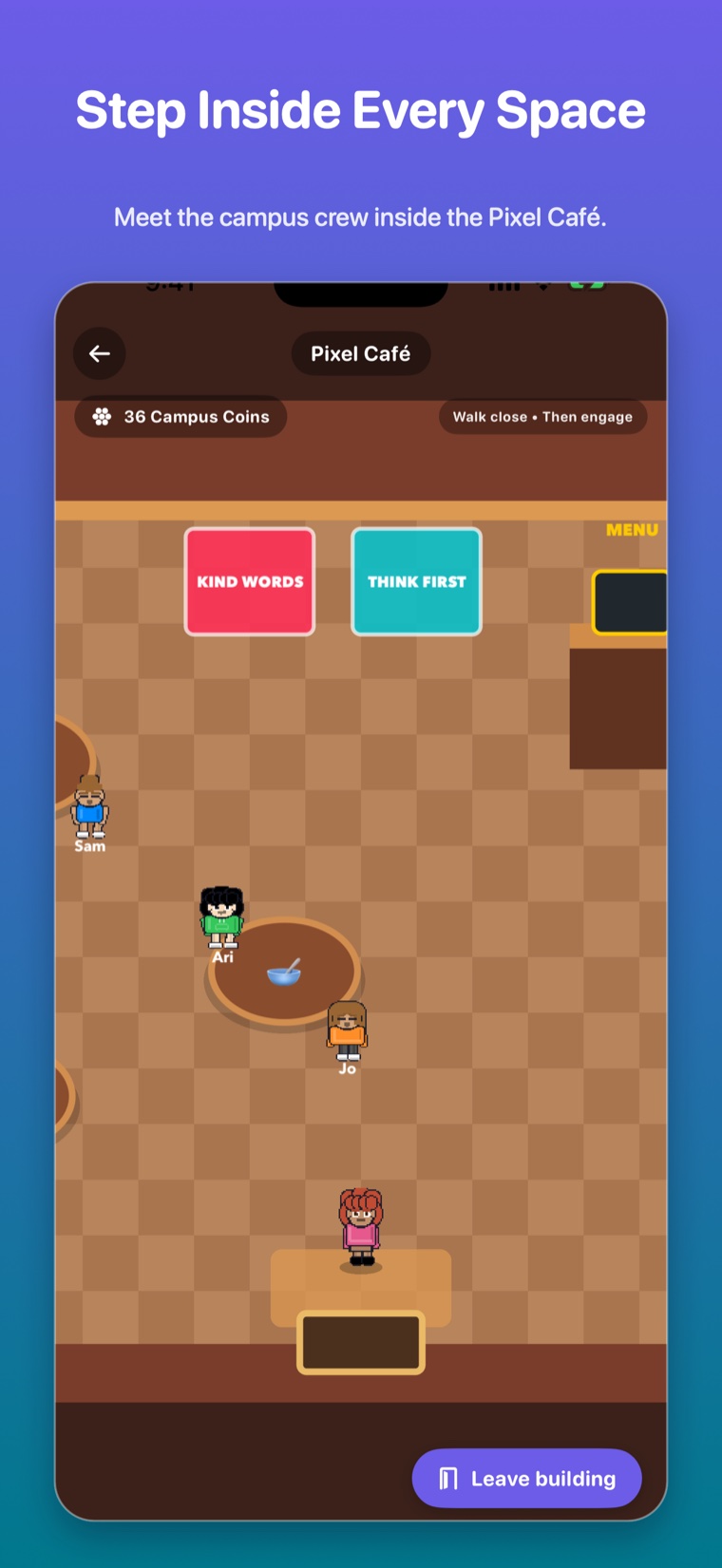
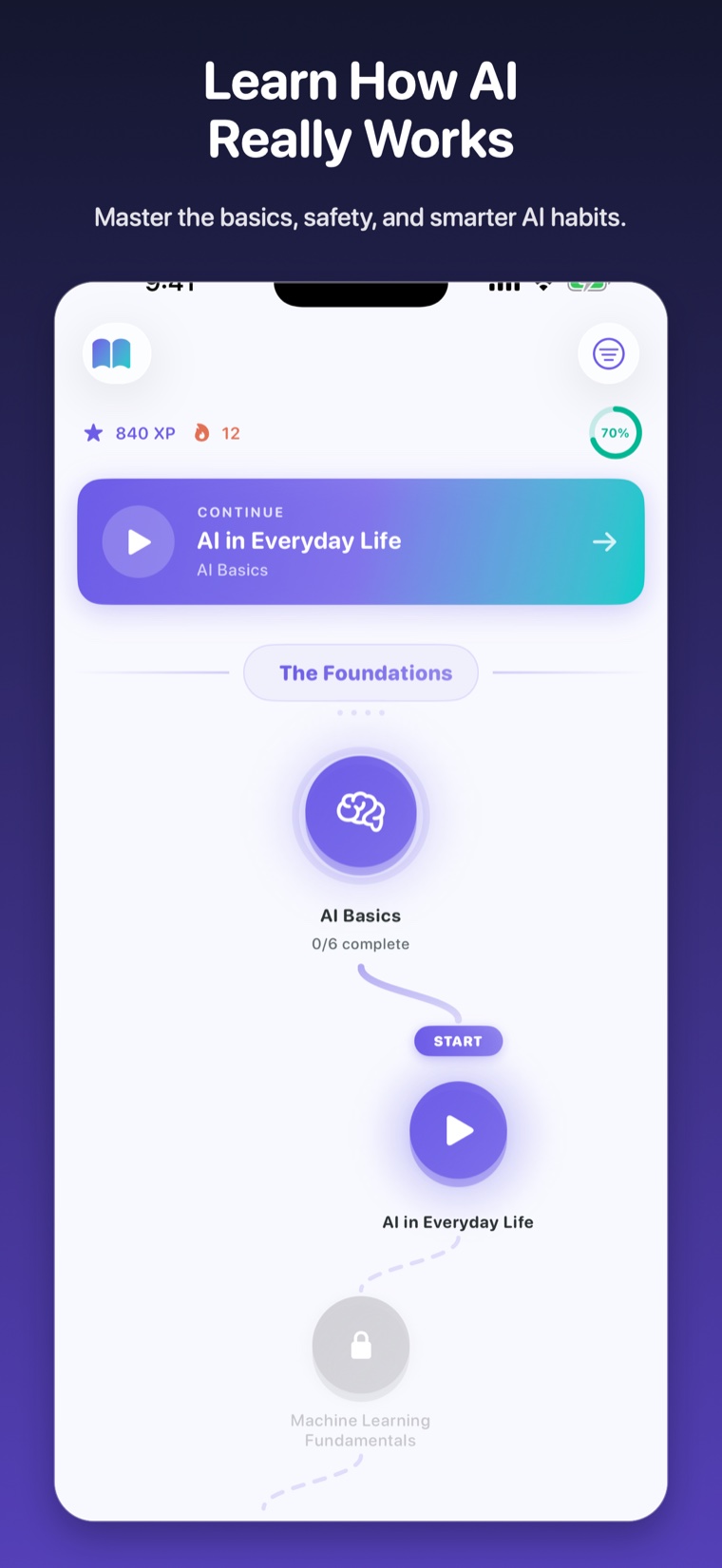
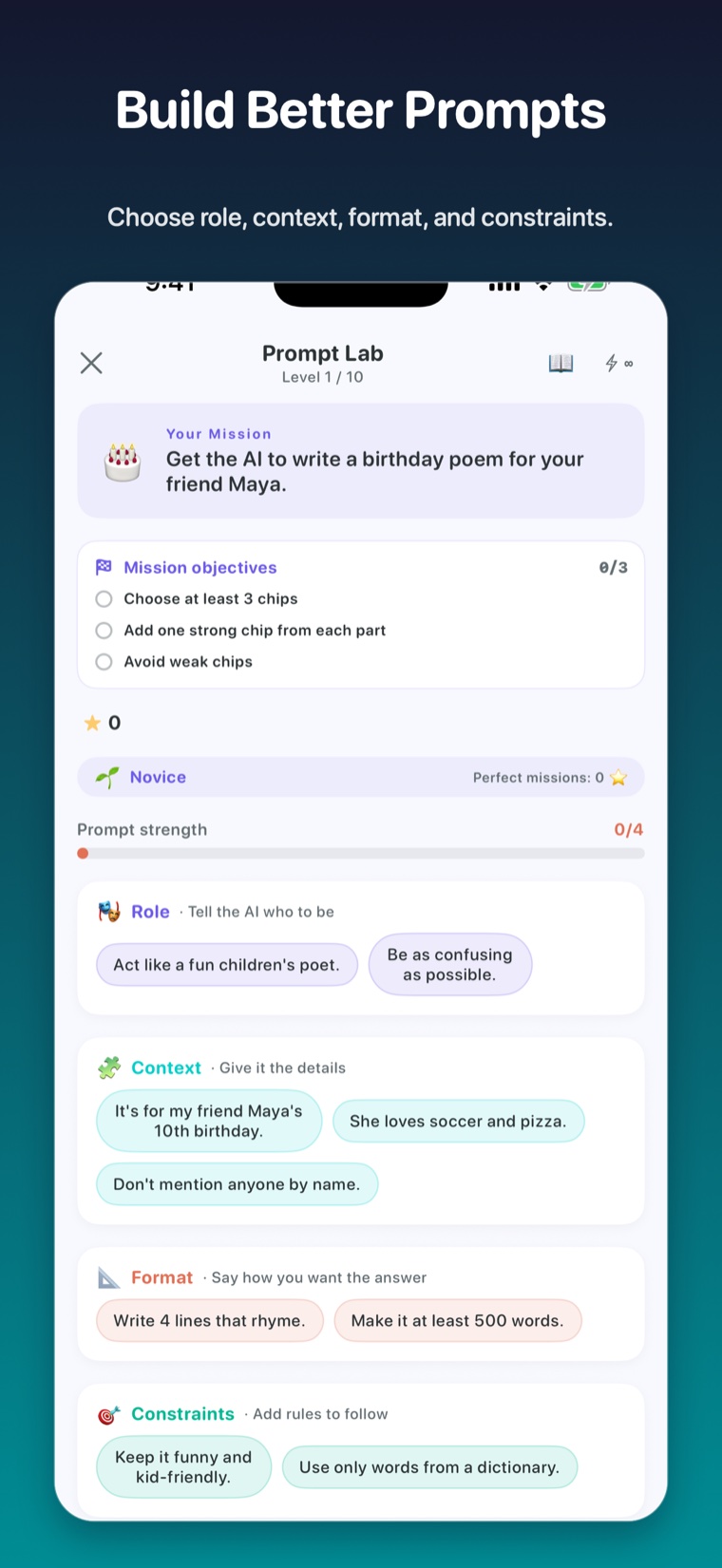
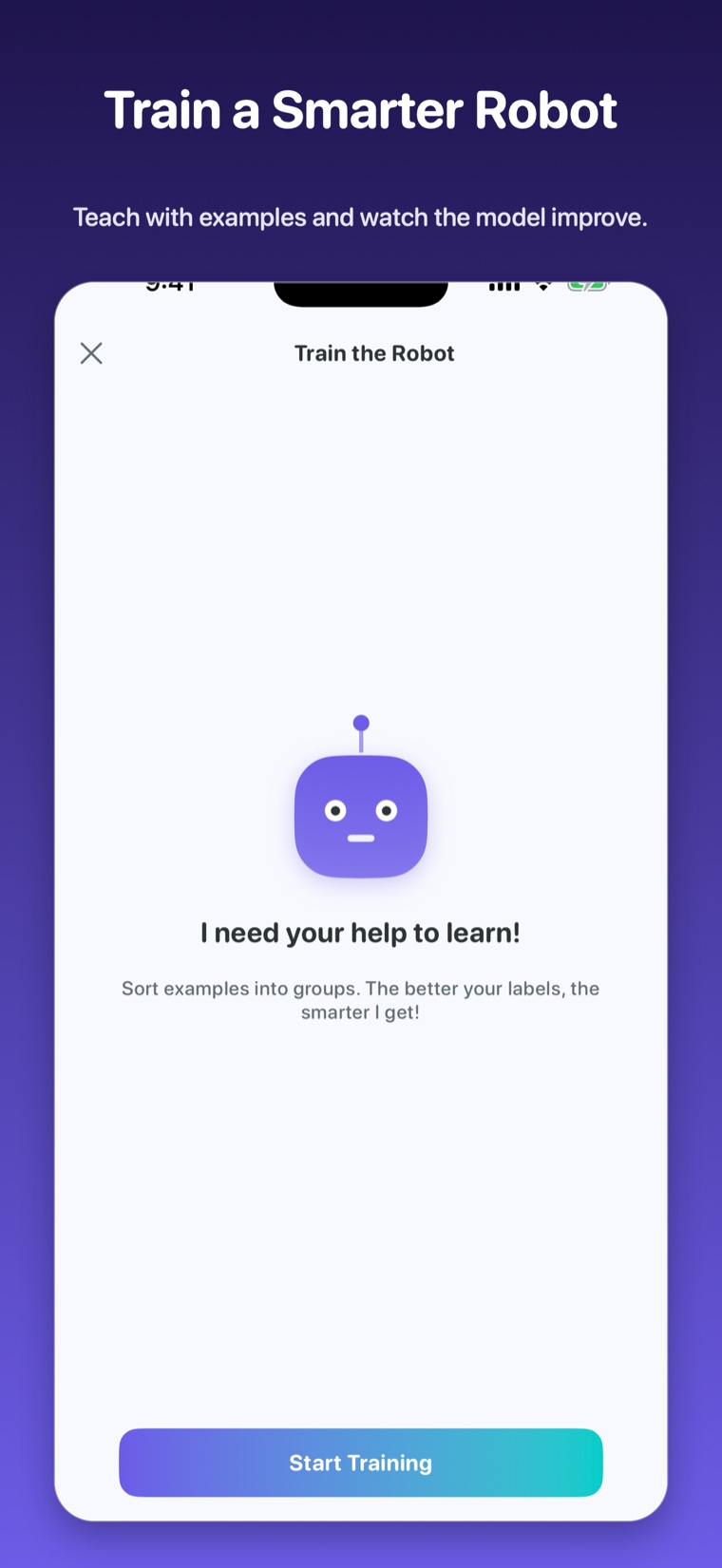
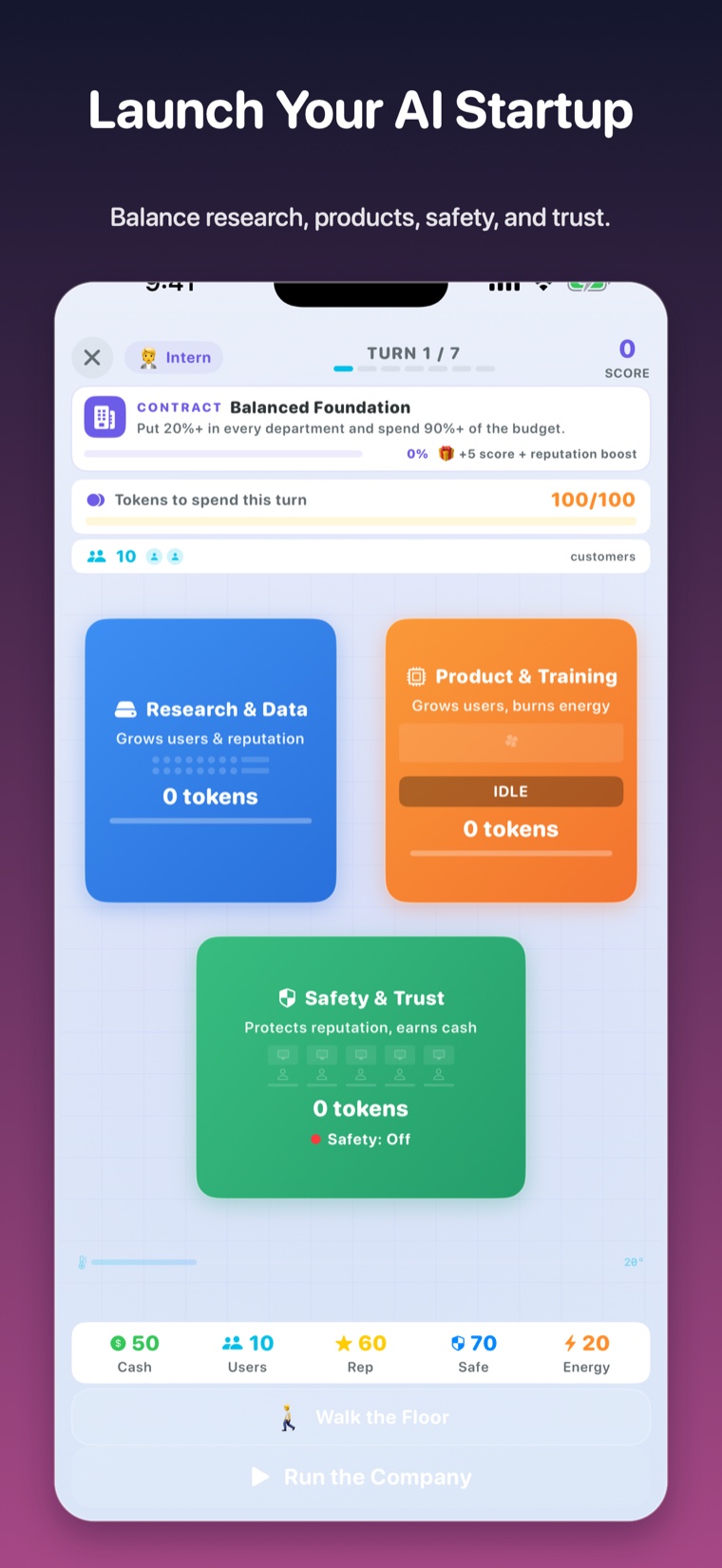
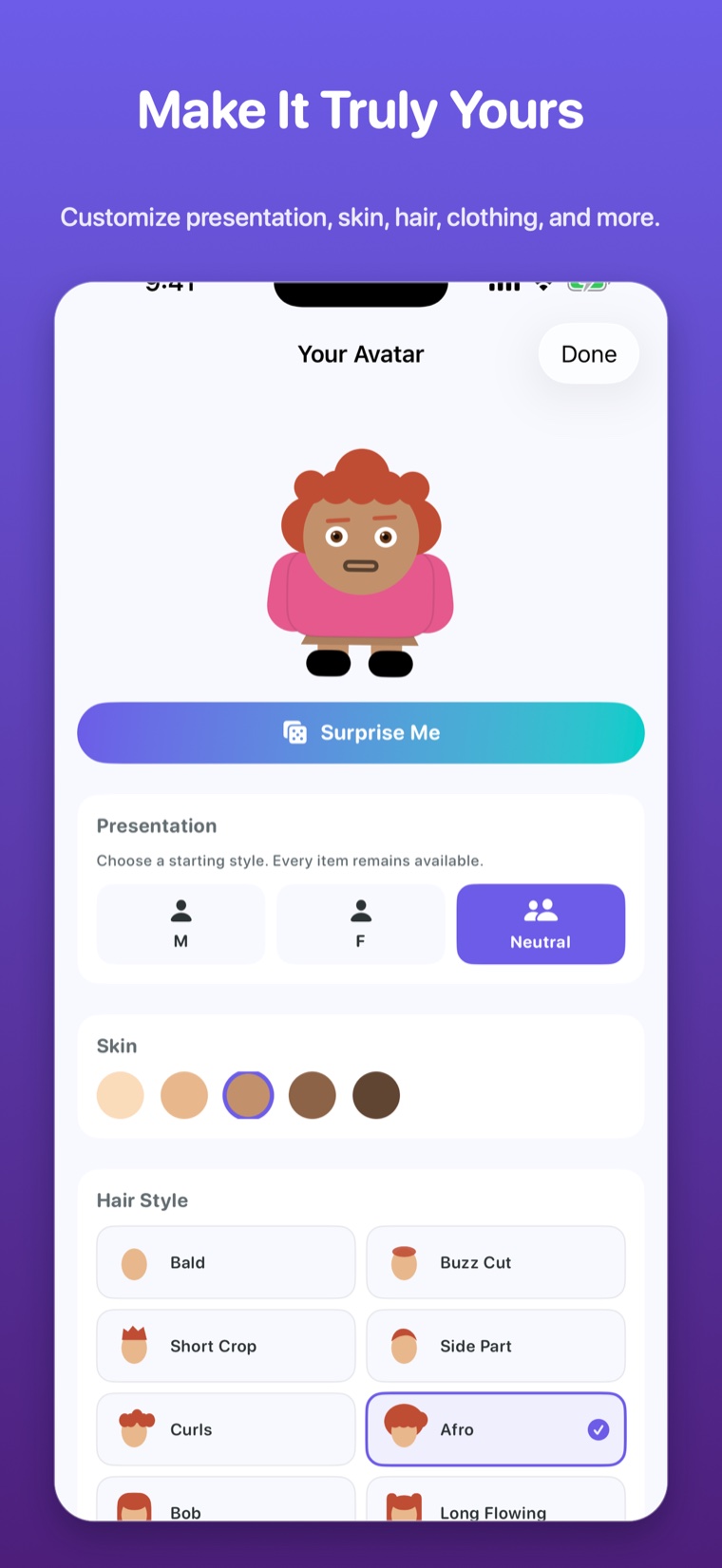
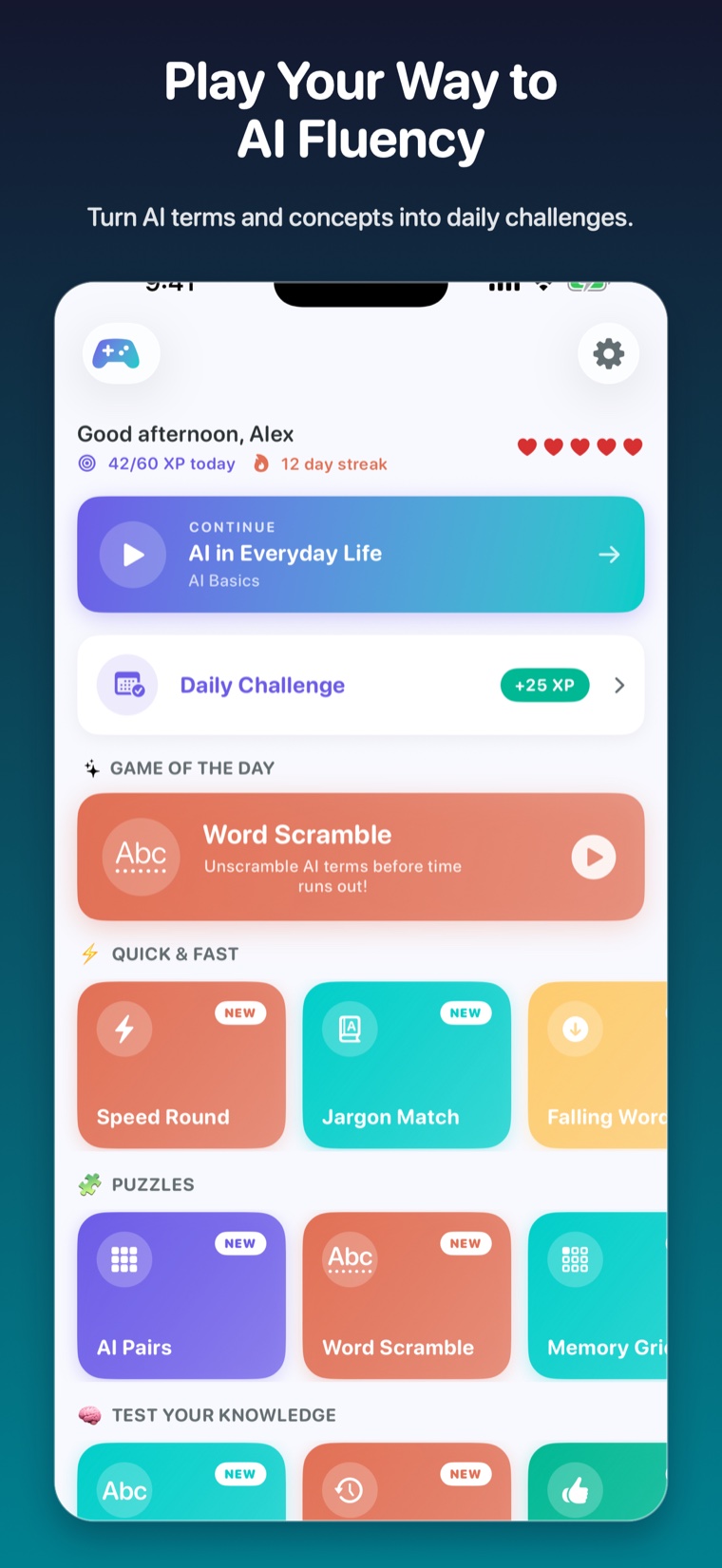
Scroll sideways to explore every screen.
The learning idea
The Campus adds choice and personality without turning learning into an endless feed or an open chat room.
Every building has a purpose and connects to a real learning activity.
Missions, discoveries, and practice make effort easier to see.
Challenges reinforce checking, privacy, safety, and responsible choices.
Avatar choices make the Campus feel personal without requiring a public profile.
The Campus is included in Vizancia 4.2 on iPhone, iPad, and Android. Check the version shown in your store listing before planning a class around a specific feature.
No. It is a single-player navigation and learning layer. Campus characters are part of the game experience, not other users or an open social chat.
No. Campus Coins are pretend rewards earned through Campus missions. They are not purchased with real money.
No Vizancia account is required for core lessons. Core progress is stored on the device; connected services are identified separately in the Privacy Policy.
Start exploring AI
On iPhone, iPad, and Android, look for version 4.2 to explore the updated Campus. Check your store listing for the version and features currently available on your device.


Read the 4.2 release details and platform availability · Start a classroom activity