Understand the concept
Plain-language lessons explain what a system can do, how it works, and where its limits begin.
Practical AI literacy
Help learners question AI answers, follow the evidence, and explain their decisions. Start with a ready-to-teach classroom activity, then explore short lessons, games, and the AI Campus.
A better learning loop
Every part of Vizancia is designed to help users explain an idea, test their understanding, and decide what needs a reliable source or knowledgeable person.
Plain-language lessons explain what a system can do, how it works, and where its limits begin.
Quizzes, games, and examples turn passive reading into retrieval, comparison, and application.
Users practise protecting private information, checking important claims, and knowing when to ask a person.
Try a sample question
This short example uses the same explain, choose, and reflect pattern that supports stronger AI habits.
Find the claim that depends on evidence.
Decide whether to trust, check, or stop.
Feedback connects the answer to a reusable habit.
Inside the app
Use lessons for structured understanding, games for practice, and local bot duels to revisit what you have learned.
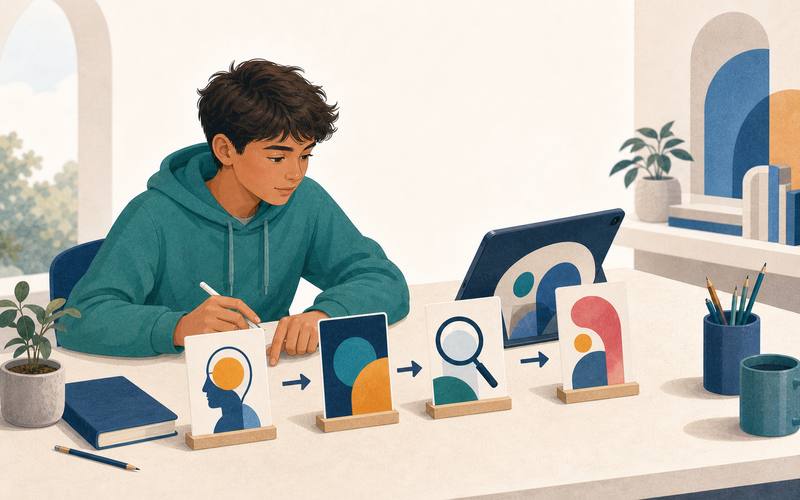
Lessons and quizzes
Move from AI fundamentals and training data to generative AI, prompting, bias, security, and social impact.
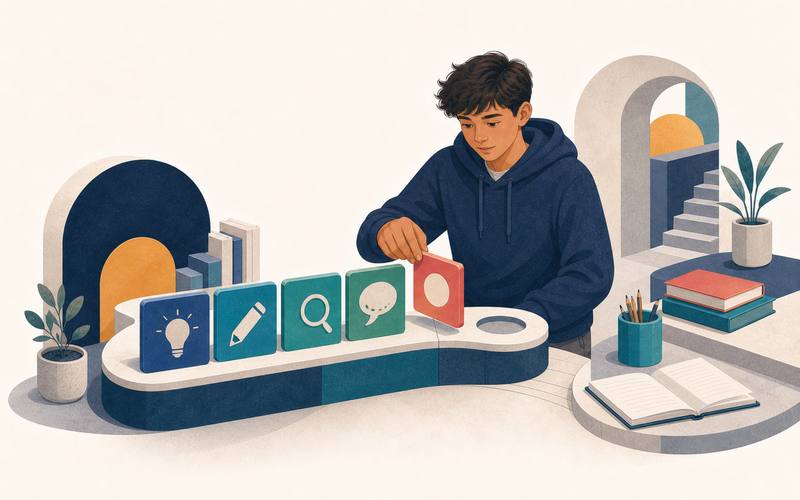
Progress and motivation
XP, levels, streaks, achievements, and a progress view make consistent practice visible without requiring a Vizancia account.
Active practice
Games vary the task so users do more than repeat the same multiple-choice pattern.
Counts describe the 4.2 curriculum. Lesson, progress, and practice scenes below are representative artwork; older Campus and Learn screenshots remain labelled on their pages. See release details for current screenshots and platform availability.
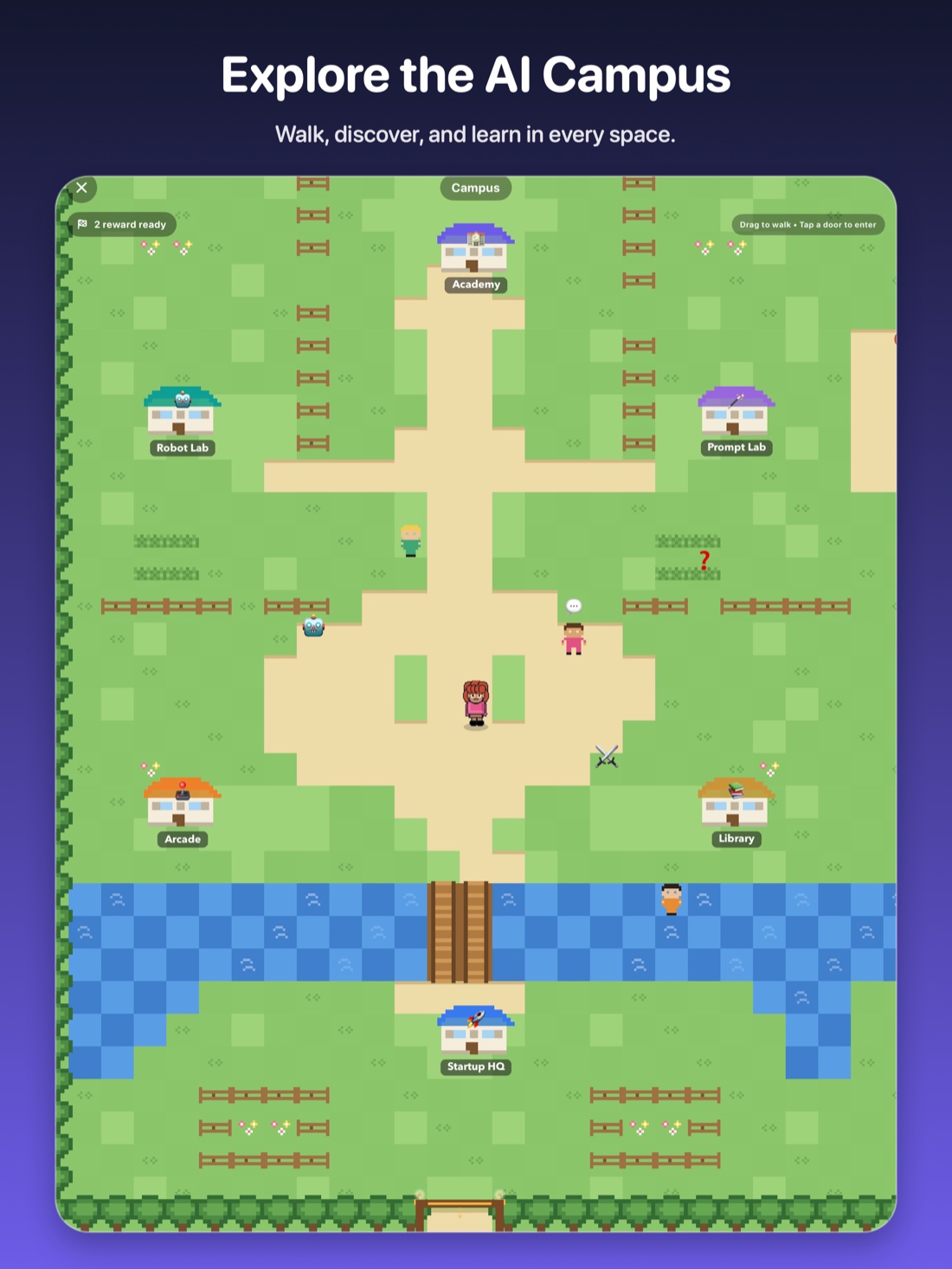
Vizancia 4.2 turns learning into a walkable AI Campus. Move your avatar, enter buildings, meet the campus crew, and choose whether to learn, practise, build, or play next.
Explore Our CampusDrag to walk around the grounds and discover what is nearby.
Step into the Academy, labs, Arcade, Pixel Café, and Startup HQ.
Open lessons, games, missions, and hands-on AI challenges.
Campus screens and availability may vary by platform and app version.
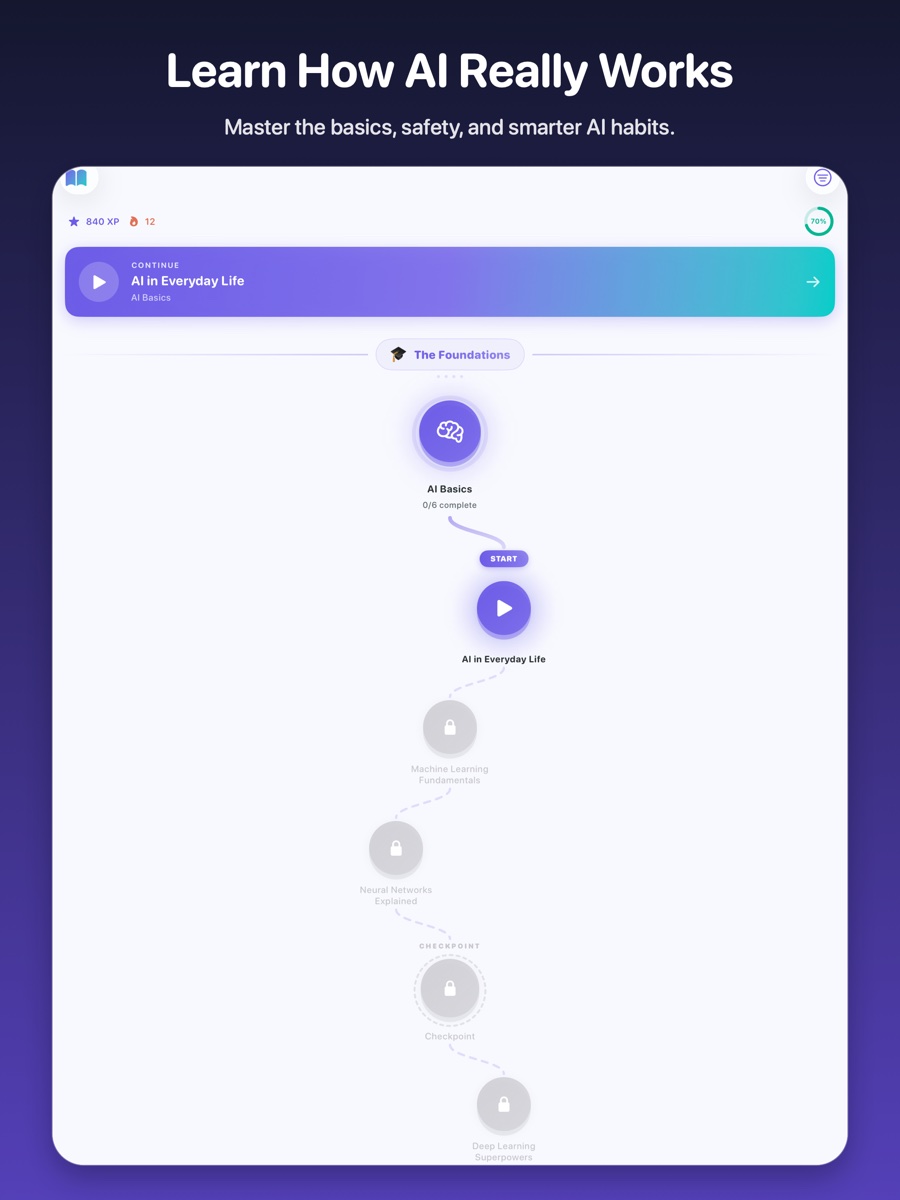
The Learn path
Lessons are arranged as a winding path of connected nodes, so users can see where they are, what comes next, and how each new idea builds on the last.
Start with a clear topic instead of facing an overwhelming library.
Work through focused explanations, examples, and questions at a manageable pace.
Completed lessons make progress visible and open the next part of the journey.

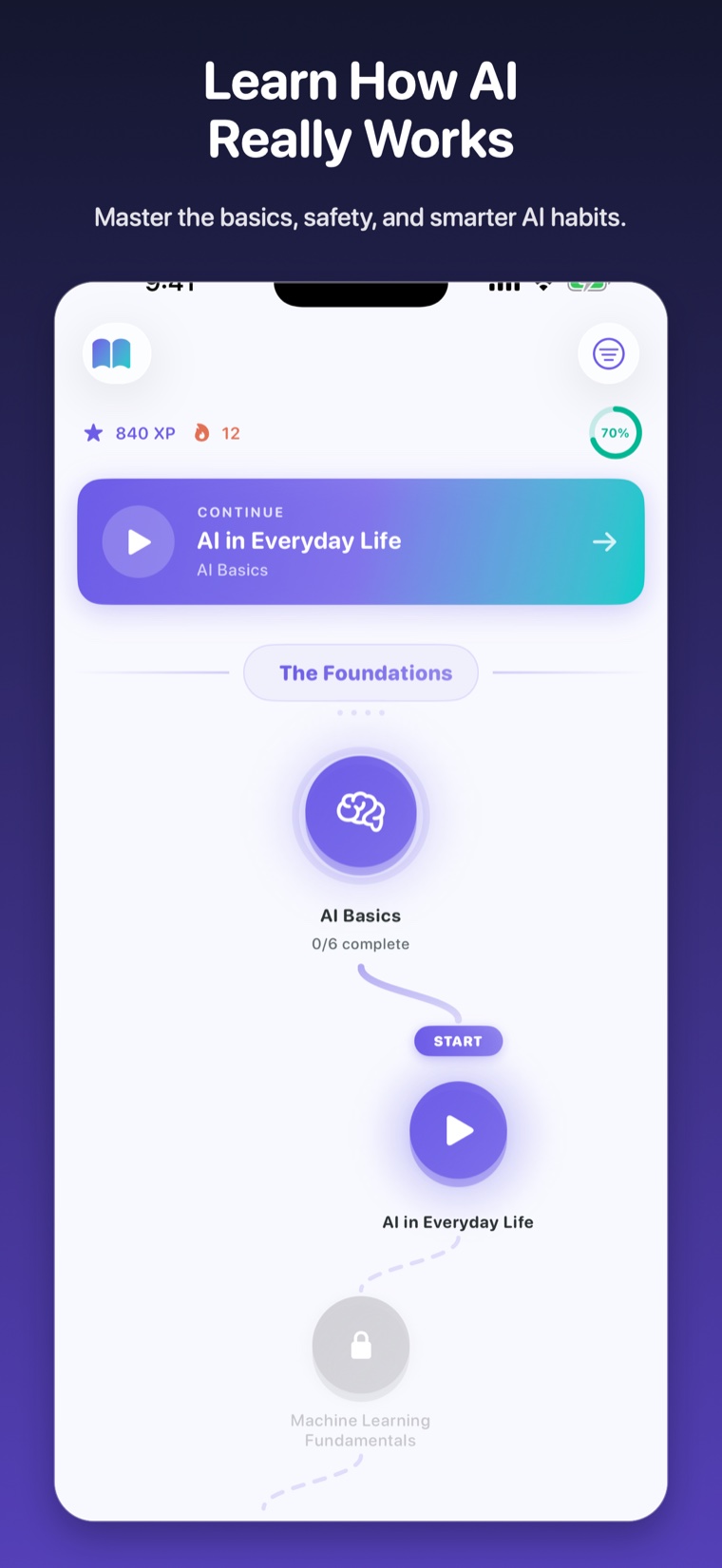
Actual Vizancia Learn screens on tablet and phone. Interface details may vary by app version.
Curriculum overview
The 4.2 curriculum spans 17 learning paths. These four themes show how the content progresses.
AI basics, machine learning, neural networks, training data, language, and vision.
Prompting, creative work, healthcare, robotics, work, and everyday decisions.
Uncertainty, hallucinations, evidence, bias, fairness, and human responsibility.
Privacy, security, manipulation, social impact, boundaries, and when to involve an adult.
Choose your route
Review age-aware learning goals, privacy boundaries, sample questions, and family guidance.
Explore the parent guide → HomeschoolSee a flexible curriculum, offline activities, assessment ideas, and ready-to-use resources.
Explore homeschool learning → Guided practiceReview the limited-beta Sandbox, its safeguards, and the adult-managed early-access process.
Review the Sandbox → Guided programsExplore workplace programs, a web-only builder incubator, family safety, homeschool curriculum, and private coaching.
Explore Vizancia Programs →A clear privacy boundary
Vizancia separates local learning from services that need a network connection so families can understand what changes before choosing a feature.
AI Learning Hub
Source-backed articles and printable activities help families and educators turn AI literacy into everyday conversation and practice.
Guided support beyond the app
Explore workplace audits and workshops, private family safety and coaching sessions, homeschool curriculum, and the web-only AI Builder Incubator.
Explore all Programs & ServicesStart with five minutes
Vizancia is free to download. Current lessons and games are included at no cost.


Store availability, compatibility, ratings, and current features are shown on the relevant store listing. Connected features have separate network and privacy requirements.